
Digital Marketing News
Small Business Grants in Australia That Can Fund Marketing
How to find and apply for small business grants in Australia, what they can pay for, and when marketing can be part of a funded project.
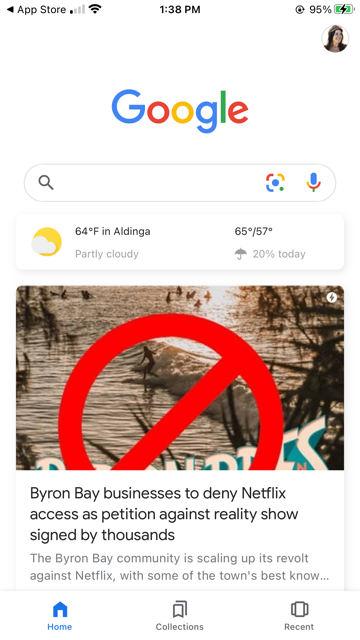
If you’ve never heard of Google Discover, don’t worry. Plenty of business owners haven’t.
Here’s a quick run-down of what Google Discover is, and whether you can optimise for Google Discover so that your website shows up more often in it.
In short, Google Discover is a personalised feed (much like Instagram Explore) that aims to show people web pages they want to see, without them having to search for them. It takes into account your past search and browsing history as well as your location when deciding what content to show you. The more data you give Google to work with, the more refined your Google Discover feed will be (in theory, at least).
You’ll find Google Discover in the Google app on your mobile phone. As long as you are logged into your Google account and have activity tracking turned on (the default setting), your feed should already be filled with relevant articles and websites.
And by the way, yes you can turn off Google Discover if you’d rather Google stopped suggesting content: follow these instructions from Google.
Google is all about making the user experience easier, so this is very on-brand for them. It’s also another way someone can discover (aptly named, Google) your business website, so we believe it’s worth paying attention to.
Yes, you can optimise your content for Google Discover.
Honestly, it’s not much different from optimising for Google or any other search engine: you want to produce quality, relevant content that helps users solve problems. The same best practices apply.
In addition to that, you stand a better chance of showing up on Google Discover if you:
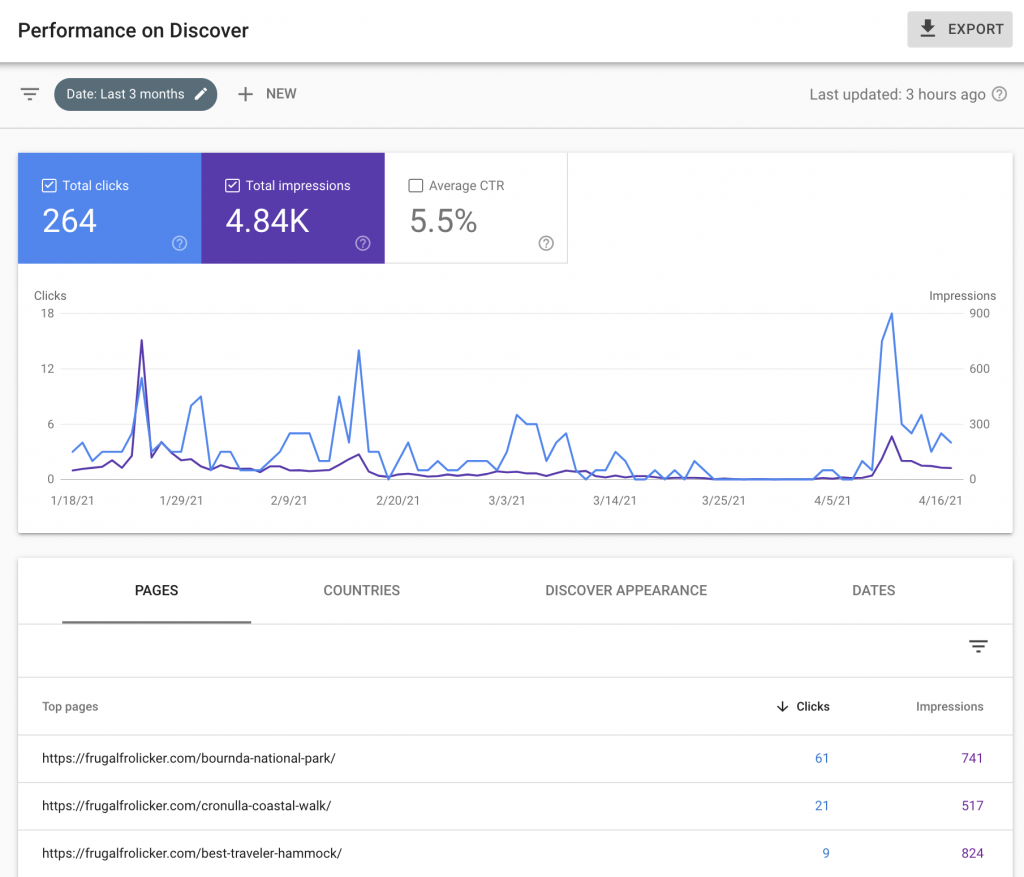
To see how your website’s performing on Google Discover, log into your Google Search Console account. Once your site has enough Discover impressions, a Discover report appears under Performance, where you can see your clicks and impressions and which pages have brought the most traffic from Google Discover. That gives you some insight into what sort of articles perform well on it.
Want to get your website on Google Discover? Contact the Mildura digital marketing team at Rock Solid Marketing, or read about our SEO services.
A marketing team that has helped businesses across Sunraysia and the Mallee since 2017, from our office on Deakin Avenue in Mildura.
Keep reading
How to find and apply for small business grants in Australia, what they can pay for, and when marketing can be part of a funded project.
Sales funnel stages explained for small businesses: a worked example, how to build a funnel, the metrics to track and where most leads are lost.
How to choose the right marketing agency for your business, with the questions to ask, red flags to avoid and what agencies typically cost.

Let’s start by scheduling a free discovery call so we can get to know each other and see if we’re a good fit for your marketing needs.