Content Marketing
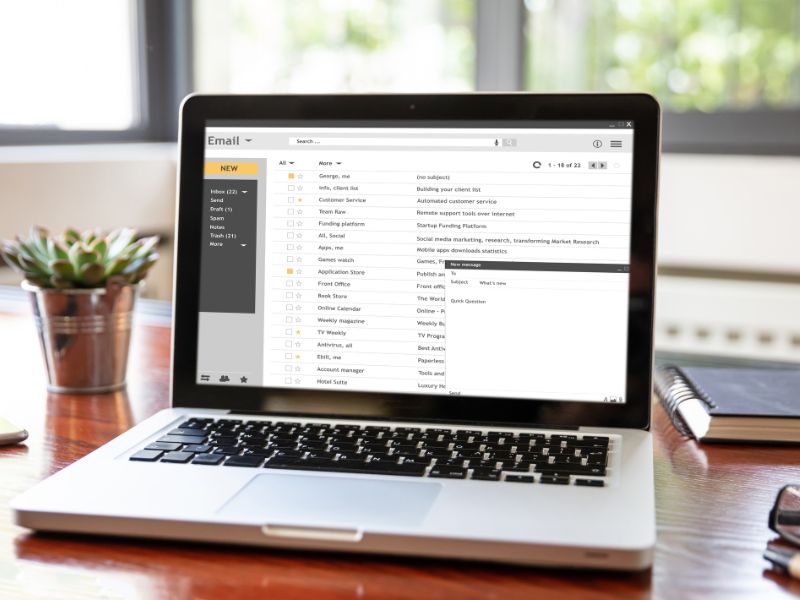
Email Marketing for Small Business: A Practical Guide
A practical email marketing guide for small businesses: what email marketing is, how to choose a platform, build a list, what it costs and what to send.

What is a content calendar? It's a schedule that shows what content you'll publish, on which channel, on which date, and who is responsible for it. A content calendar covers social media posts, blog articles, emails and videos in one place, so you can plan ahead, keep a steady rhythm and line content up with launches, seasons and events instead of scrambling each morning for something to post.
A useful content planning calendar has one row per piece of content and these columns:
Here's a simple content calendar sample for one week of a social media content calendar for a local business:
| Date | Channel | Topic | Type | Goal | Status |
|---|---|---|---|---|---|
| Mon | Answer to a common customer question | Photo and caption | Trust | Approved | |
| Wed | Behind the scenes of a finished job | Reel | Engagement | Draft | |
| Thu | Blog | How-to article on a seasonal topic | Article | Search traffic | Writing |
| Fri | Facebook and Instagram | This month's offer | Carousel | Enquiries | Idea |
To plan a social content calendar, start with what customers ask and what's happening in your business and town. One customer story can become an Instagram carousel, a Facebook post, a short video and an email item, each with its own caption. Leave a few gaps for timely posts, such as weather, local news or a last-minute offer, so the calendar doesn't make you rigid.
A spreadsheet works well for most small businesses. To make a content calendar template in Google Sheets or Excel:
Google Sheets is easier for sharing; Excel suits teams already on Microsoft 365. Scheduling tools such as Meta Business Suite then publish the posts you've planned.
Most businesses we talk to aren't short of things to say. They're short of time, so content gets posted when someone remembers and then stops during busy weeks. A simple monthly calendar, filled in one sitting, usually fixes that. In regional towns, local events, harvest seasons, school holidays and sporting fixtures give plenty of timely topics.
When we manage social media for clients, we plan the month's posts in advance and clients approve them before they're scheduled. Our social media management plans start from $1,500 + GST a month, our content marketing team plans articles and emails alongside social posts, and our blog writing service fills the blog slots.
A content marketing calendar plans all your content across channels, such as blog articles, emails, social posts and videos, around your marketing goals and campaigns. A social media content calendar is the social media part of it.
A month ahead is realistic for most small businesses, with key dates marked for the whole year. Larger campaigns may need planning a quarter ahead.
A spreadsheet in Google Sheets or Excel is enough for most small businesses. Project tools like Trello, Asana or Notion suit bigger teams, and Meta Business Suite schedules Facebook and Instagram posts.
Post as often as you can keep up with good content. For most small businesses, a few quality posts a week on one main platform is a sustainable start.
Most should, but leave room for timely posts. A calendar keeps you consistent; it shouldn't stop you from reacting to news or a great moment.
Want help filling your content calendar? Contact Rock Solid Marketing to talk about content for your business.
A marketing team that has helped businesses across Sunraysia and the Mallee since 2017, from our office on Deakin Avenue in Mildura.
Keep reading
A practical email marketing guide for small businesses: what email marketing is, how to choose a platform, build a list, what it costs and what to send.
Small business video marketing made practical: the videos worth making, how to film them on a phone, where to use them and when a professional shoot pays off.
Practical email marketing tips for better campaigns: list building, strategy, subject lines, design, timing and measuring what works, with ideas to try.

Let’s start by scheduling a free discovery call so we can get to know each other and see if we’re a good fit for your marketing needs.