
Web Design
How to Register a .com.au Domain
How to get a .com.au domain: eligibility, choosing a name, registering it, WHOIS privacy and the .au direct option if you have no ABN.
As a Mildura digital marketing agency, web design is a major part of our business. From website redesigns to content management to optimisation, we’ve had clients come to us with all sorts of websites to work on, so we have a fair idea of what works and what doesn’t.
So we thought we’d share some of our favourite web design best practices on the blog. This time, we’ll be focusing on what makes a great website homepage.
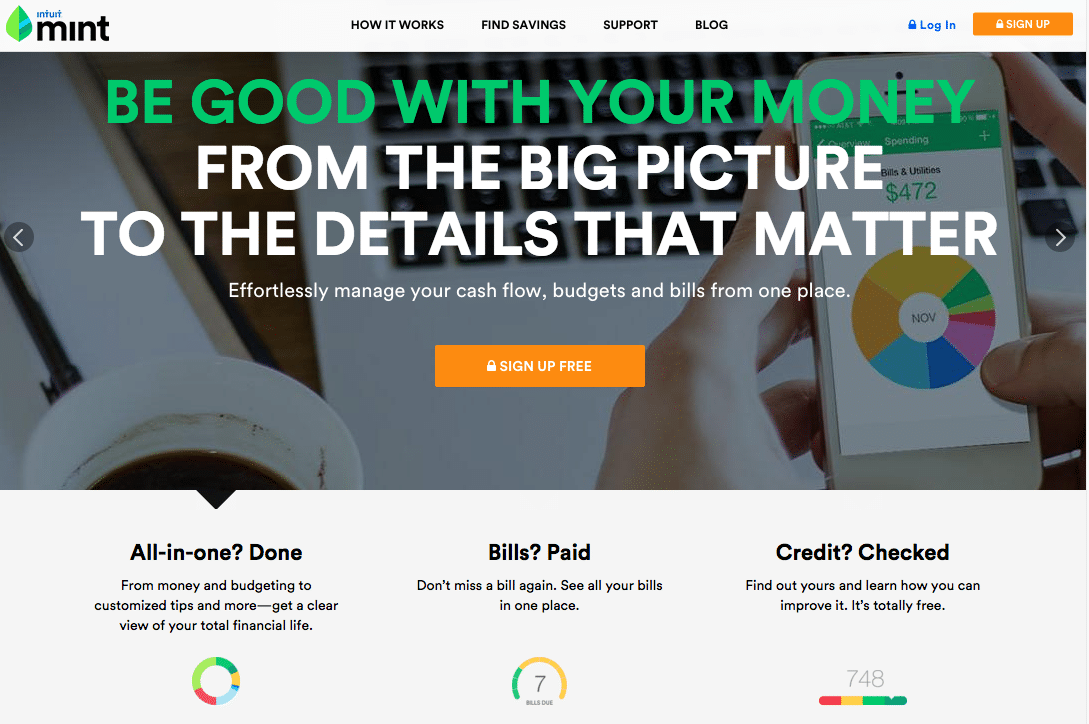
One of the first things we look for on our clients’ existing websites is a sentence that clearly states what their site or business is about. Most people are busy: if they click into a site and can’t work out what’s going on, they’re likely to bounce (click off the page) and land on a similar site that’s made it easy for them to find what they were looking for. For small businesses, that’s a real loss, because those visitors could have become clients but went to a competitor instead.
Also, make sure you put this sentence “above the fold” so that visitors don’t have to scroll down the homepage to find what they’re looking for. Scrolling takes effort, and as we mentioned above, visitors will bounce from a site if it takes them too long to find what they need.
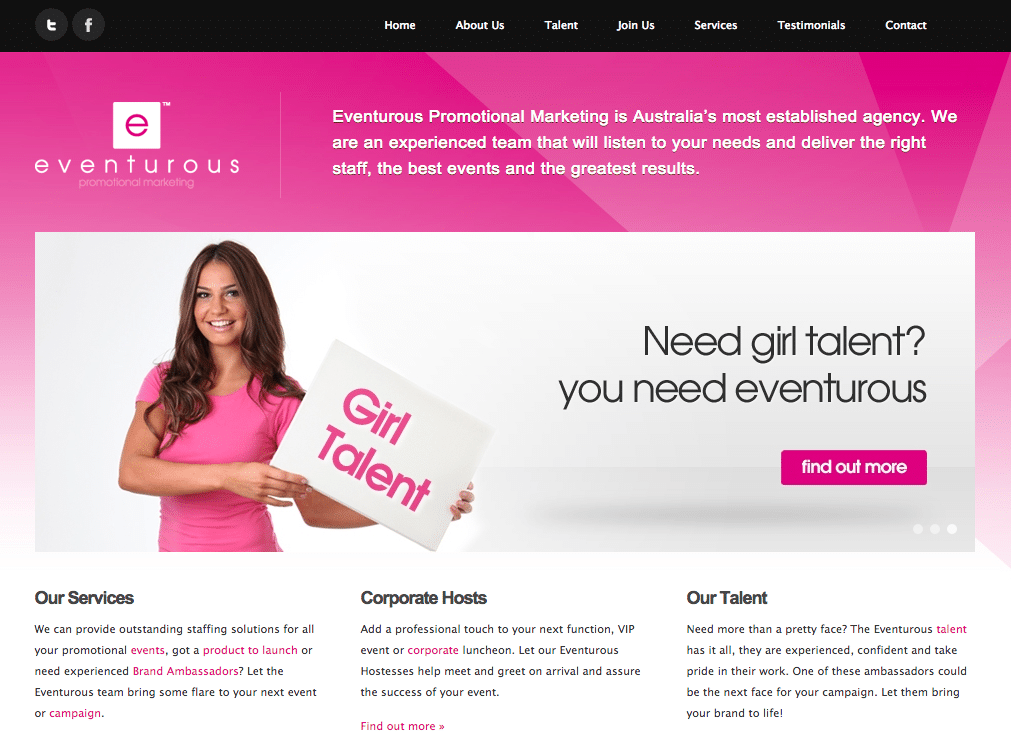
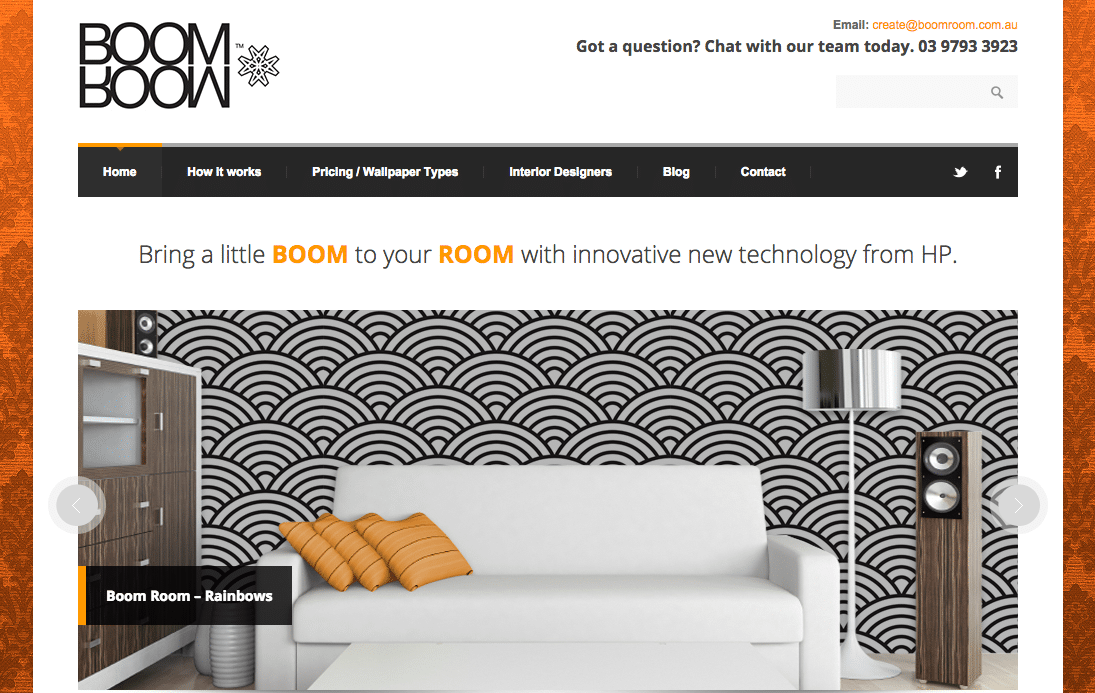
On that note, how many sites have you seen greeting you with a big banner or sliding images at the top of their homepage? They usually do more harm than good if they lack any context or take up too much space. Again, don’t make your site visitors work harder than necessary. They shouldn’t have to scroll down to the bottom of the homepage to learn what your site or business is about.
If you’re still intent on having that banner image, keep its height to a minimum so that some of the content below it is visible above the fold. Also consider adding some text over the banner, ideally a line that clearly states what your website is about (see the point above).
Having solid navigation on your site does wonders for its usability. Spend some time thinking about how you want your site to be structured: that is, what content you want to include and how you want it organised. Make sure this is reflected in the way you set up your menu or navigation bar, and that you’ve made it easy for visitors to find information on your site.
We’ve seen a lot of wasted homepages in our day. What we mean by that is homepages that lack any useful content. In these cases it’s common to see the homepage used as a launching-off point to the site’s subpages, without much in the way of copy.
This is a no-no for two big reasons:
1. A homepage without much copy makes SEO harder. If there isn’t enough text or content to optimise, it’s more difficult to get your site to rank on Google, and pages with very little content give Google less reason to see them as useful on a topic.
2. The homepage is often what visitors see first when they find your site. If you haven’t captured their interest with some useful content, they will probably leave. Use the homepage as an opportunity to sell your site or business.
Lastly, prompt your visitors to take action after looking through your site. Whether you have a call-out section inviting them to contact you or subscribe to your mailing list, or you’re featuring a particular product or discount, make sure there’s something on the homepage that tells visitors what to do next.
Need help with your website homepage? Rock Solid Marketing is a Mildura digital marketing agency that specialises in web design. Contact us to learn more about the web design services we offer.
A marketing team that has helped businesses across Sunraysia and the Mallee since 2017, from our office on Deakin Avenue in Mildura.
Keep reading
How to get a .com.au domain: eligibility, choosing a name, registering it, WHOIS privacy and the .au direct option if you have no ABN.
A plain-English guide to WCAG 2.2: what the guidelines say, what Level AA means, whether it is required in Australia and how to check your website.
Shopify or WooCommerce? A fair comparison of costs, transaction fees, hosting, speed, SEO and control, and how to decide which suits your store.

Let’s start by scheduling a free discovery call so we can get to know each other and see if we’re a good fit for your marketing needs.